Farm Hand
A downloadable game for Windows, macOS, and Linux
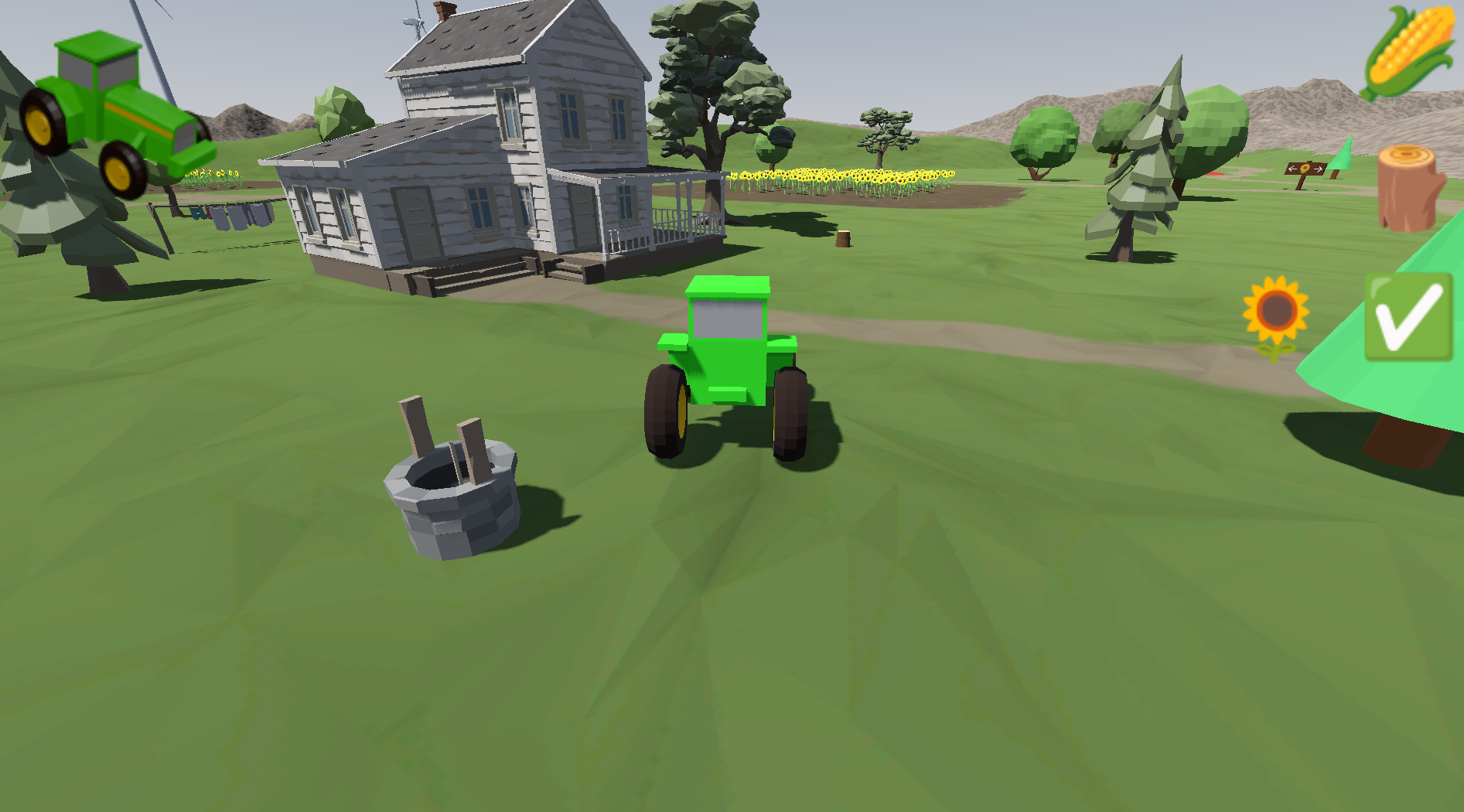
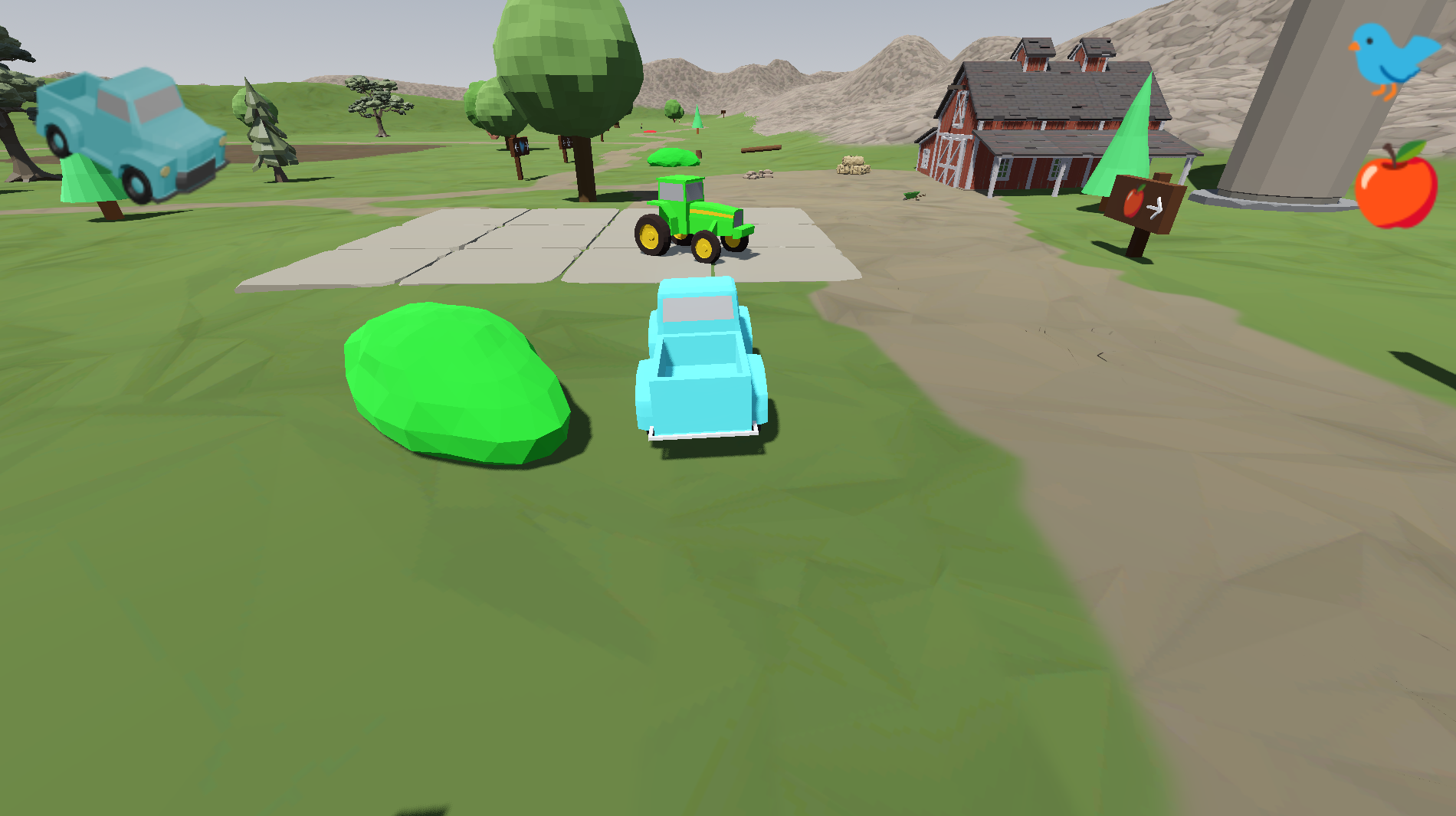
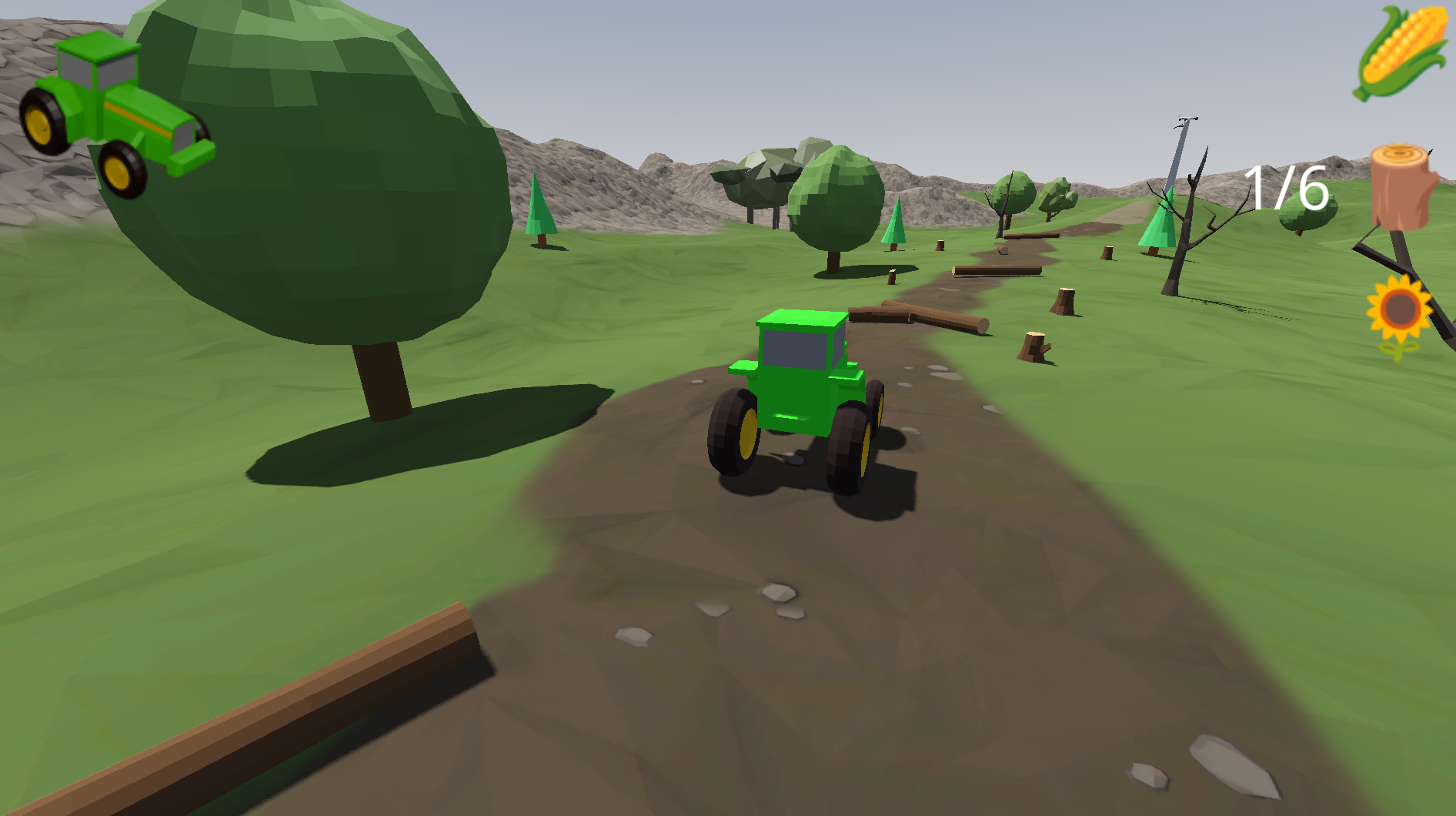
You are a kindly neighbor helping out on a farm, while the farmer and her wife are on a dream vacation to Europe. You have a tractor, a pickup truck, and more than a square kilometer (over 250 acres) to explore and find different tasks to do. This farm is a special place where conservation and wildlife tasks are just as important as keeping an eye on the crops.
This is a simple simulation game which lets you emulate some facets of farm life. I am making this because my toddler really likes tractors, but most simulations are too complex or too arcade-like for young children. This is supposed to be a low-stimulation, relaxing game to play. Animals are going to be part of the farm, but none of the animals on the farm are intended to be food, they are either retired animals or raised humanely for either fur or eggs.
Quests are reset each time you start the game. This is purposeful, but as the number of quests grows the quests may be more persistent across game play sessions, depending upon the quest.
More information is available at the game's home page.
Game controls
The game controls are kept simple with multiple ways to do most things.
From the title screen you can press the `Enter` or `Escape` keys on the keyboard or the menu button on the controller to start the game.
Within the game you can use the `Escape` key on the keyboard or the menu button on the controller to enter the menu, which also pauses the game. You can use `Escape` or the menu button again to resume the game. You can use the direction keys `W`, `A`, `S`, and `D` or the arrow buttons to navigate the menu from the keyboard, or the left joystick. You can select the option you want with the `Enter` key or the lower action button on the controller (this is the Y button on Xbox controllers, the cross on Sony controllers, and B on Nintendo controllers).
For movement within the vehicle you can use the direction keys `W`, `A`, `S`, and `D` or the arrow buttons as well as the left joy stick on the controller. If you are using the controller you can brake and accelerate using down and up on the left stick, or you can use the left and right triggers.
You can switch vehicles by pressing `Tab` on the keyboard or the top action button on the controller (this is the `Y` button on XBox controllers, the triangle on Sony controllers, and the X on Nintendo controllers). When switching the vehicles will be returned to their starting location.
For completing quest objectives you need to get the vehicle close to the objective or on top of it. The vehicles have different quests associated with them.
Download
Click download now to get access to the following files:
Development log
- Version 1.1.0 released!19 days ago
- Version 1.0.2 uploaded26 days ago
- Version 1.0.1 uploaded27 days ago
- Initial release of Farm Hand!27 days ago